

Host Marp, Slidev and reveal.js decks
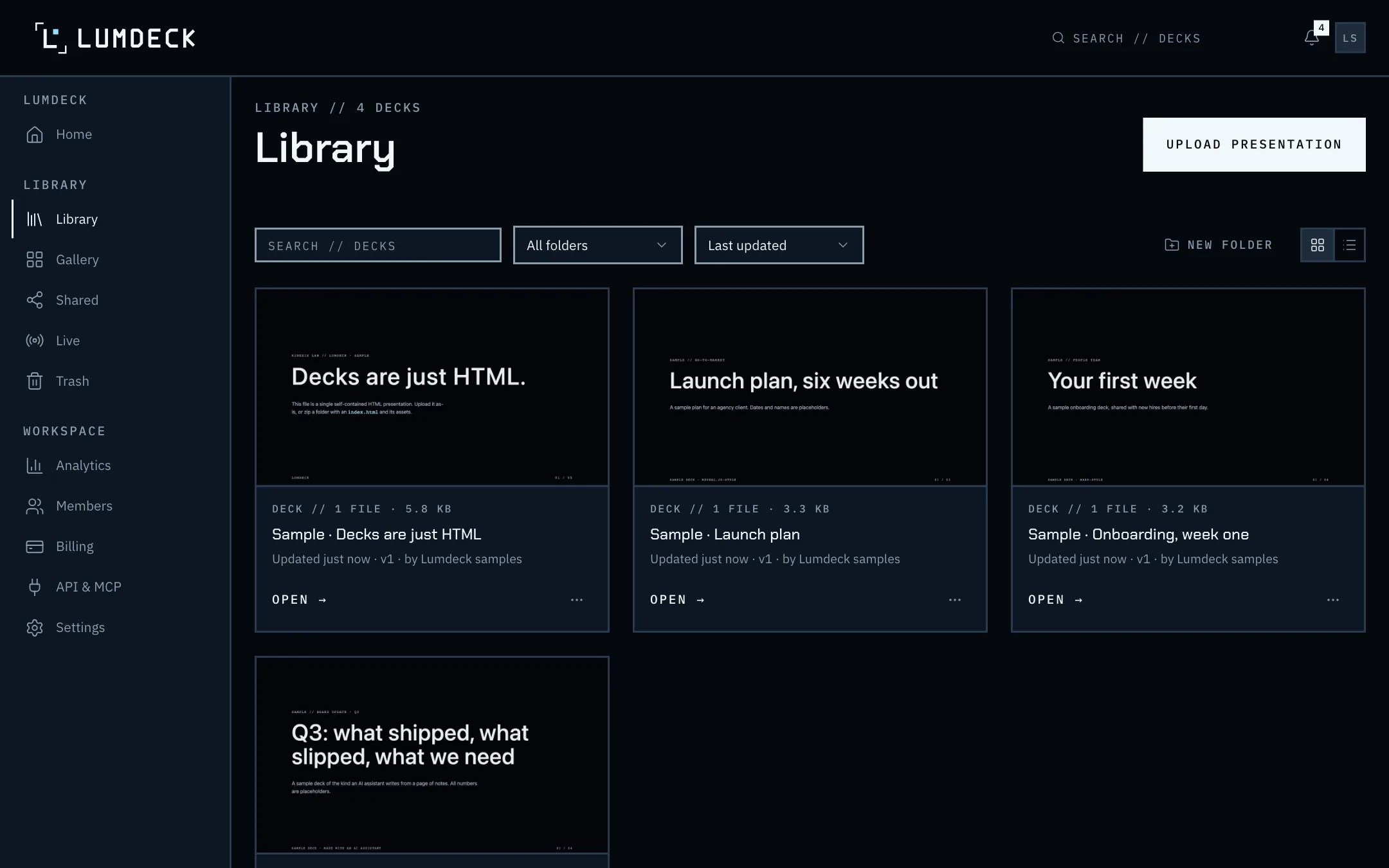
Real screen // the library
Open full-size screenshot in a new tabStatic hosting is not sharing
A deck on a static host is public to anyone who finds the address, has no expiry or password, and tells you nothing about who read it. Exporting to PDF loses the interactivity you built the deck for.
Lumdeck keeps the deck interactive, gives each audience its own link with its own rules, and reports supported slide engagement on Pro and Team.
How it works
- 01
Build
Run the usual build: marp --html, slidev build, or zip a reveal.js folder. Relative paths, an index.html at the top.
- 02
Upload
Drop the HTML or the zip. CDN fonts and libraries from the common providers work as they are.
- 03
Share and present
Send labelled links, present full screen with keyboard or clicker, or run a live session.
- 04
Update
Upload the rebuilt deck as a new version. Links follow the current version unless you pin one.
What you get
- Marp, Slidev, reveal.js, Quarto and hand-written decks
- reveal.js slide changes are read automatically; hash-routed decks are followed
- Restore retained versions: Free 3, Pro 20, Team all
- Links with expiry, passwords and view limits
- An API to publish from CI after every build
Limits and plans are on Pricing; what is not built yet is on what Lumdeck does and does not do.
Help articles
- Marp, Slidev and reveal.jsThe build command for each framework and what to upload.
- What an upload may containFile types, sizes and the HTML rules every deck is checked against.
- Share links: kinds, expiry and revokingAnyone-with-the-link, password and e-mail-gated links, and named people.
- What the analytics numbers meanViews, unique viewers, time viewed, completion and per-slide reading.