

Share the deck your AI made
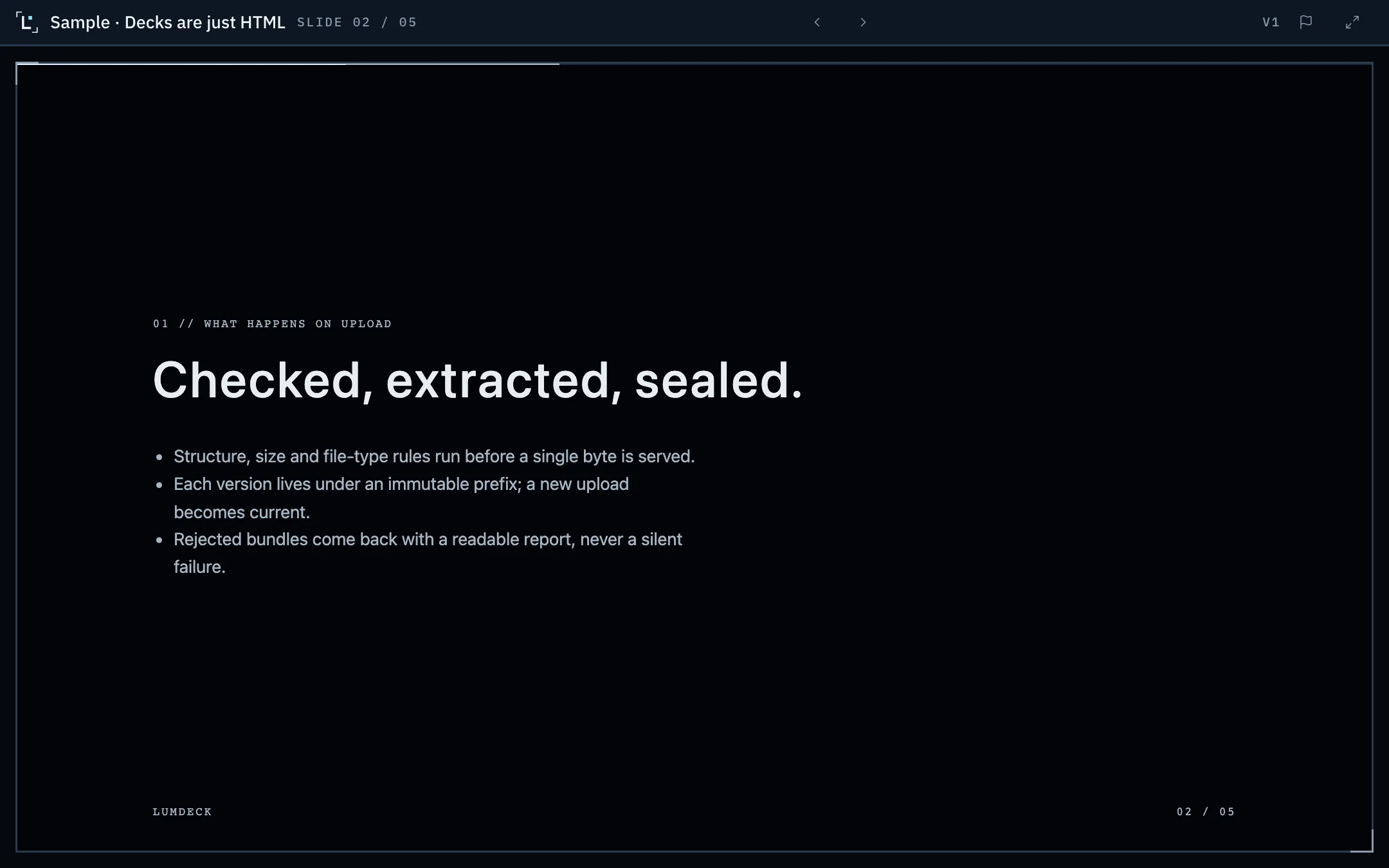
Real screen // what the recipient opens
Open full-size screenshot in a new tabWhy not send the AI link?
Sharing settings and recipient access differ across AI tools. Export the HTML when you want to control access, replace versions under one stable link and measure presentation engagement in Lumdeck. Check the tool-specific help articles for current export guidance.
Lumdeck hosts the HTML the AI wrote, as it is, under your own link. Recipients open it in any browser on any device without an account.
How it works
- 01
Ask for one HTML file
Ask the AI for a self-contained HTML deck and download it. The help centre has a tested prompt for each tool.
- 02
Upload it
Drop the file in your library. It is checked in seconds; if something is wrong, the report says which file and why.
- 03
Share a link
Anyone with the link, a password or an e-mail code, with an expiry date. Label each link for an audience or campaign; anonymous views do not identify a person.
- 04
See the response
View totals, slide engagement on Pro and Team, and separate link totals on Team. When the AI improves the deck, upload a new version; the link stays the same.
What you get
- Links that work for people without an account on your AI tool
- Expiry, view limits, passwords, e-mail codes and revoke
- Cookie-free view totals; slide engagement and link breakdowns depend on the plan
- Free 3 versions, Pro 20, Team all; one link follows the latest
- Publishing straight from AI agents through the API and MCP server
Limits and plans are on Pricing; what is not built yet is on what Lumdeck does and does not do.
Help articles
- Export Claude presentations as HTML and share themDownload the HTML of a Claude artifact or Claude Slides deck and share it.
- Publish a deck made in ChatGPTTurn a ChatGPT canvas or code answer into a single HTML file you can upload.
- Publish a deck made in GeminiCopy the code of a Gemini Canvas deck into an HTML file and upload it.
- What an upload may containFile types, sizes and the HTML rules every deck is checked against.